
AI Text to Speech for K-12
Text-to-Speech Solutions for Schools & Teachers
Offer the same learning opportunities to students at school, in the classroom or at home with our text to speech edtech tools.
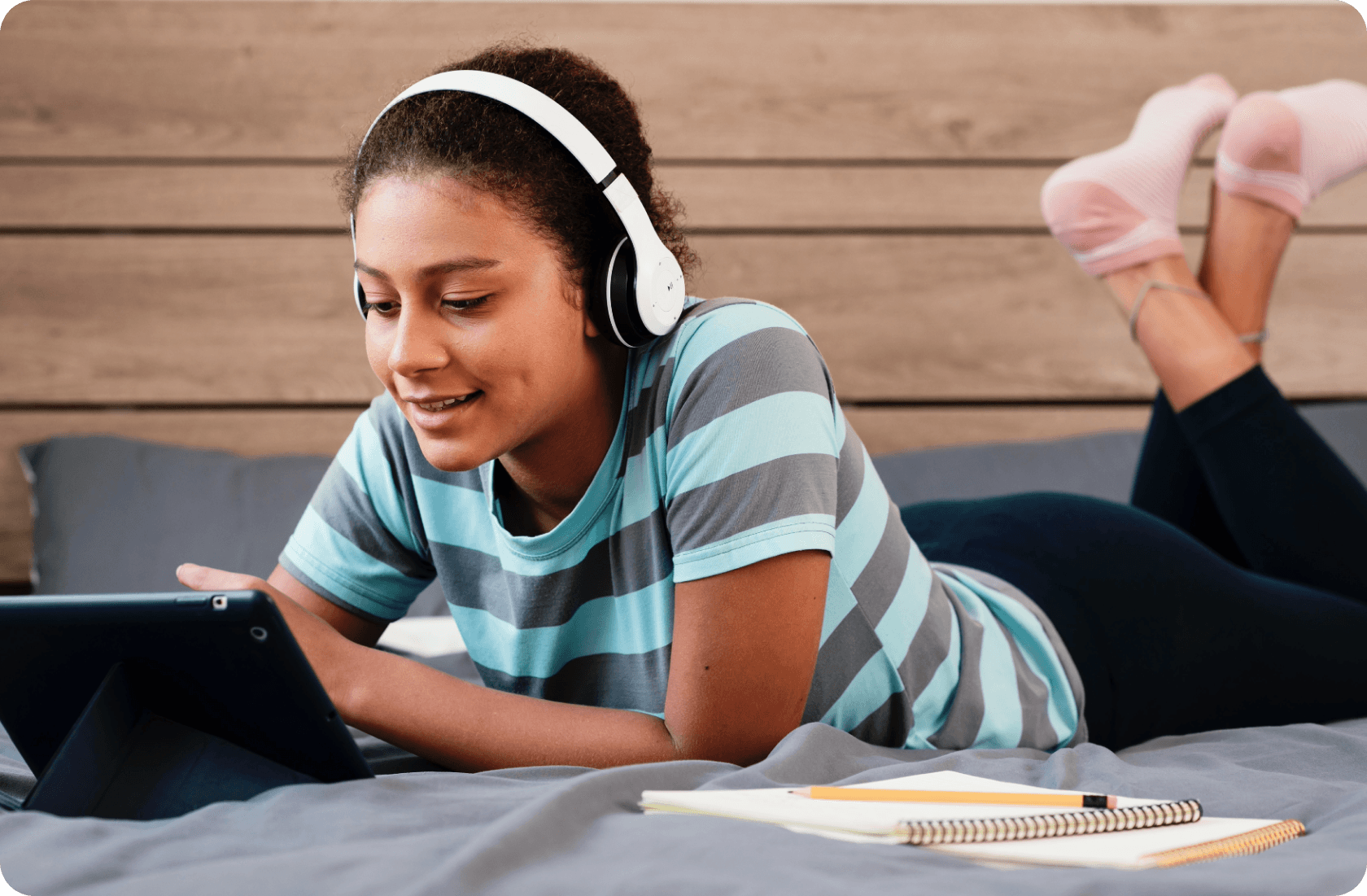
Accessibility and inclusive education
Literacy support and improved results
Independence and motivation
Helping teachers and students
Partners, associations and awards















Showing logos, group 1 of 4
Text to speech for school users at any age
ReadSpeaker's text-to-speech tools allow students in primary or secondary to listen to written text, with near-human voice quality. Help students learn with text to speech for studying, test-taking, reading assistance, and more.
Literacy support
Students stay at peer level in all subjects. Text to speech improves student engagement, comprehension, motivation, and self-esteem.
Accessibility compliance
Whether for coursework, personal documents or assessments, assistive technology tools support a diverse population of learners and help meet the accessibility and accommodations requirements of the ADA, IDEA and JCQ.
Accommodations resource management
Audio plays an important role in personalized learning plans, and teachers have extensive management and reporting tools.
Anywhere, any time, for any content
Students can use our assistive technology on all devices (smartphone, computer, tablet, etc.) to read any type of content.
Text-to-speech tools instantly create audio versions of…
...courses, PDF files, ebooks, SCORM packages, math equations, web research, training materials, quizzes, text files, Microsoft Word documents, Google docs, and more. Discover all the features of our text-to-speech software and SaaS solutions, which are compatible with all devices.
Students who once froze up at reading tasks now feel capable and independent.
Valeria Ciganda SanzTeacher at IES Nou Llevant
IES Nou Llevant
Knowing that we could use the ReadSpeaker tool to read aloud text to them, because many of them are developing readers… we felt like that was going to be an important piece in what we could offer… it is a single tool that can meet the needs of a variety of learners… It has become an ingrained part of my school
JoAnne GlennPrincipal, Pasco eSchool

Pasco eSchool
TextAid has proved an invaluable addition to our classroom learning. We have seen growth in our young individuals as TextAid has supported their independent learning.
Jenny CromeySpecial Education Needs Coordinator at Stafford Prep

Stafford Grammar School
Ensuring that our courses are multimedia rich and suitable for all learners is something that is central to our mission. ReadSpeaker was a natural fit. It gives all of our students an audio option… Within seconds, we enabled it on a course level and within all lessons, so VHS students can have all course web pages and documents read to them with one click of a button. Since implementing the technology, we’ve been encouraged by how popular it’s been.
Storie WalshDirector of Instructional Technology, Virtual High School

VHS Learning
ReadSpeaker works seamlessly in converting our text content into high quality audio. It fits nicely into the Universal Design for Learning principles and appeals to all students with various needs.
Link Systems
Link Systems International
We work with students who have varying levels of English proficiency. When we show teachers and their students the simple text-to-speech and translation functions within ReadSpeaker, we are greeted with smiles, deep appreciation and even applause. ReadSpeaker is essential to the work we do.
Danny RubinFounder of Rubin Education

Rubin Education
Now, teachers can use the same text with SEN students, with less work than before; previously, they had to make other adjustments.
Valeria Ciganda SanzTeacher at IES Nou Llevant
IES Nou Llevant
Learning platforms ReadSpeaker integrates with














Showing logos, group 1 of 2
See how students and teachers are using text to speech for education with a diverse population of learners
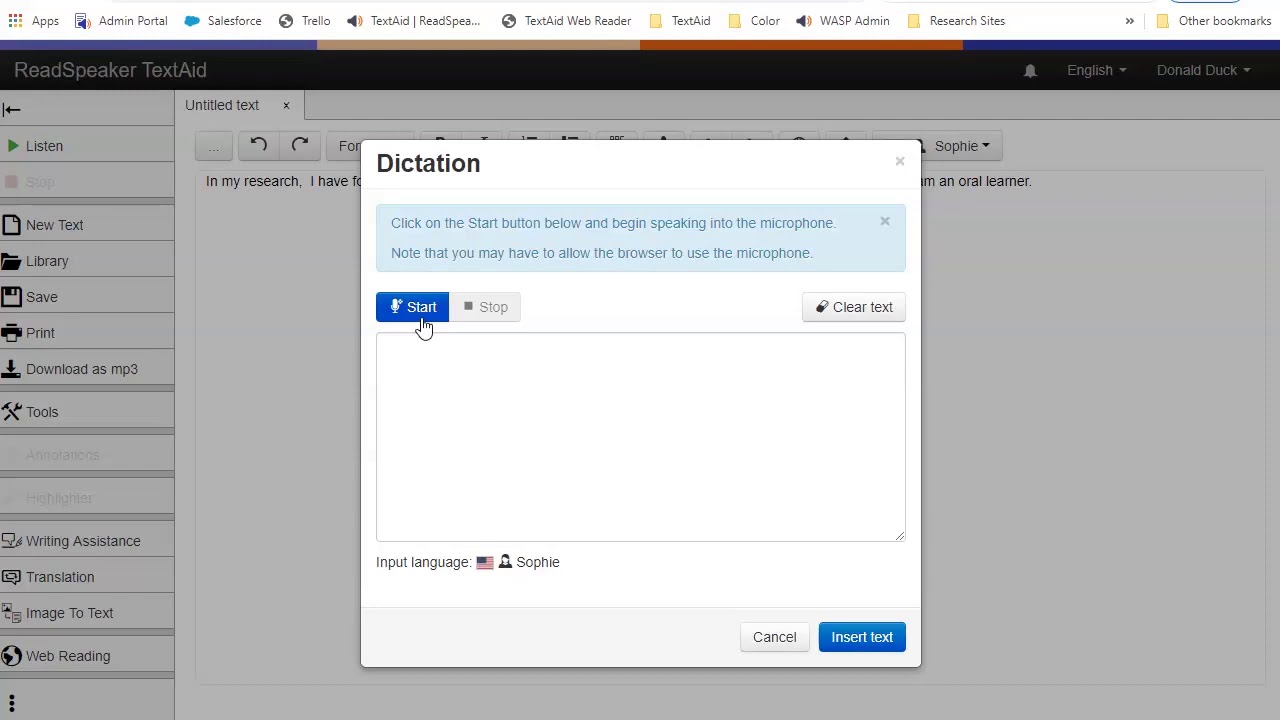
Complete set of learning tools
- Proof-listeningStudents can listen to what they write and make corrections. Text is read back as it is typed, per letter, word, and/or sentence.
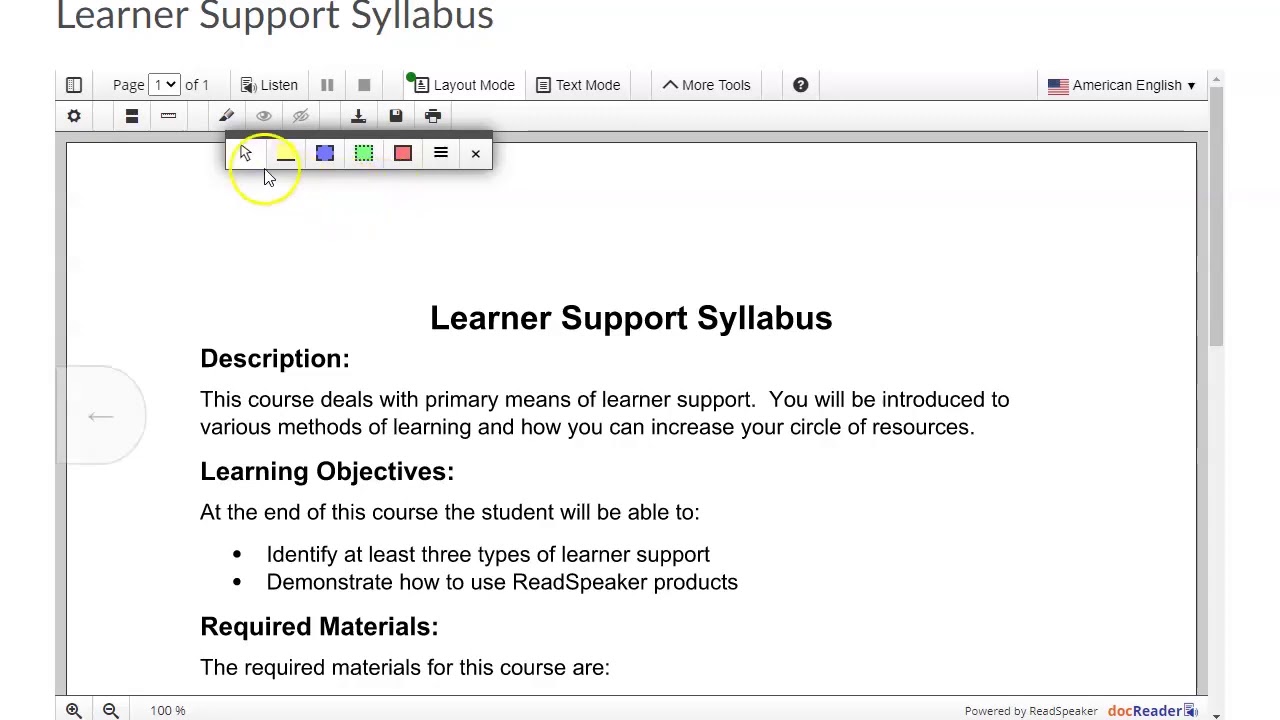 Highlighting and taking notesHighlight passages to be collected as a summary that may be edited, printed, or downloaded.
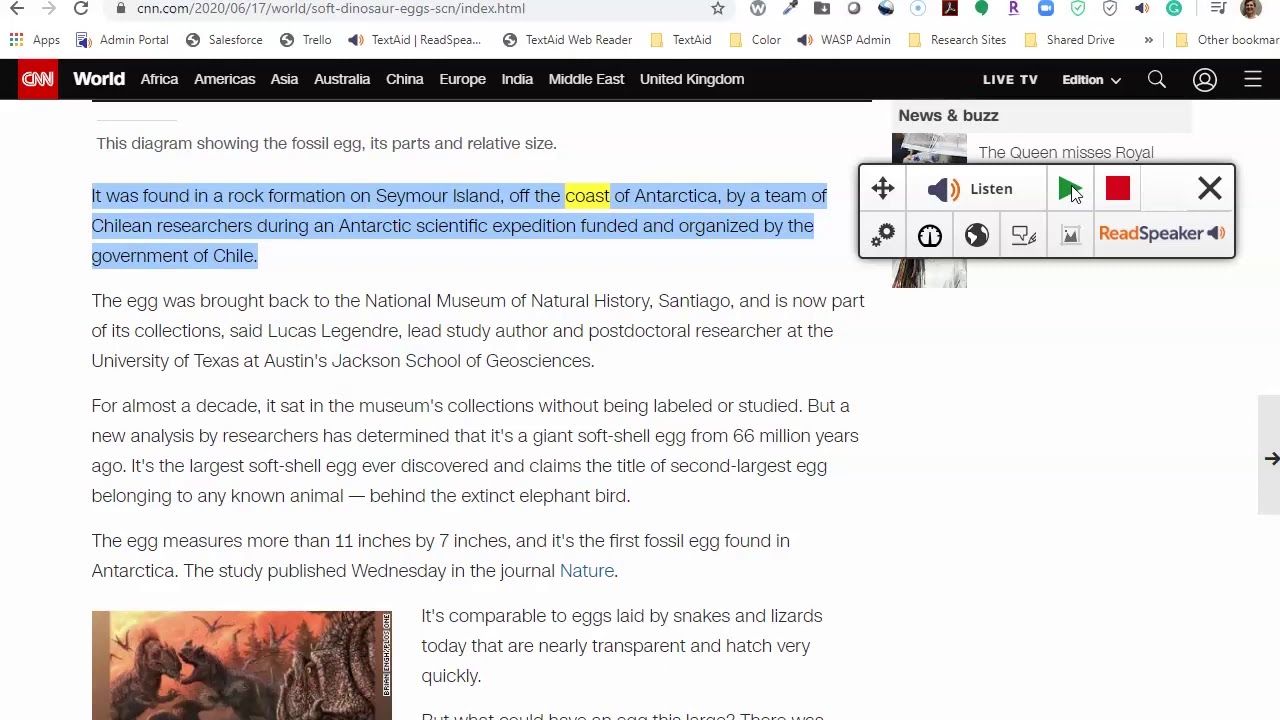 Using the browser extensionAdd one of the free browser extensions for Google Chrome, Microsoft Edge, Mozilla Firefox, and Opera.
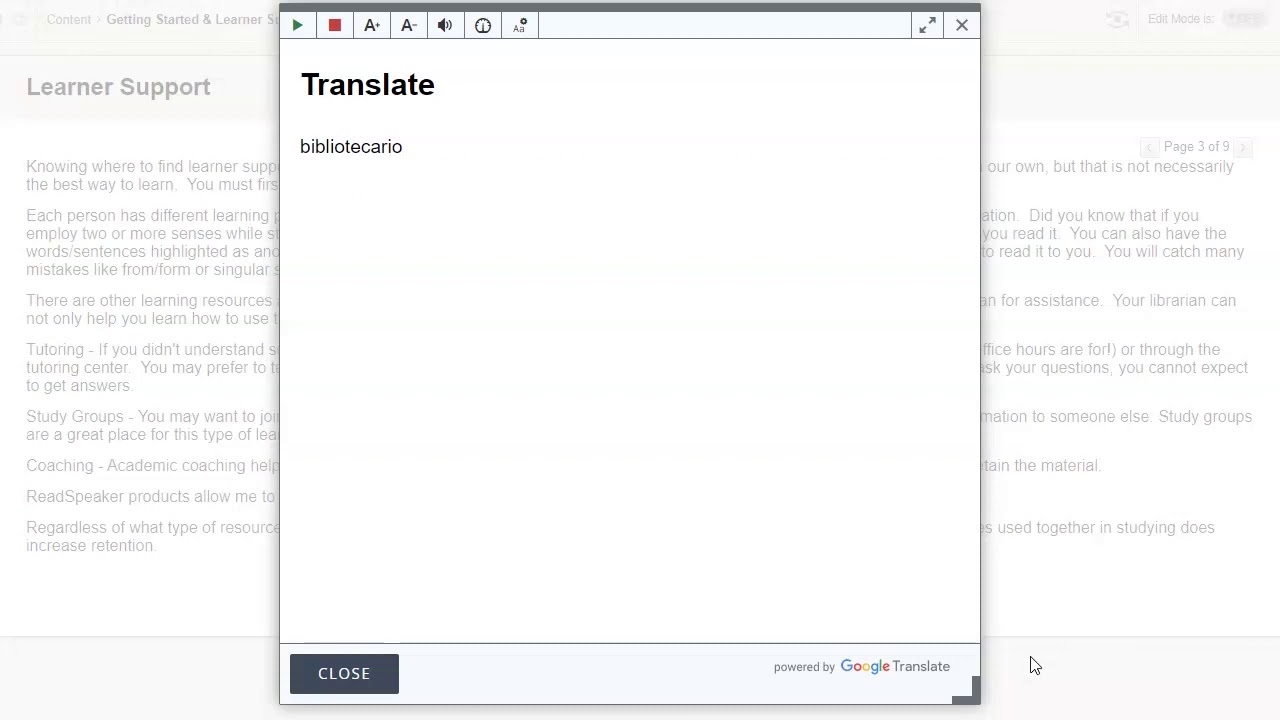 TranslatingESL, ELL, and language learners gain fluency and self-esteem.
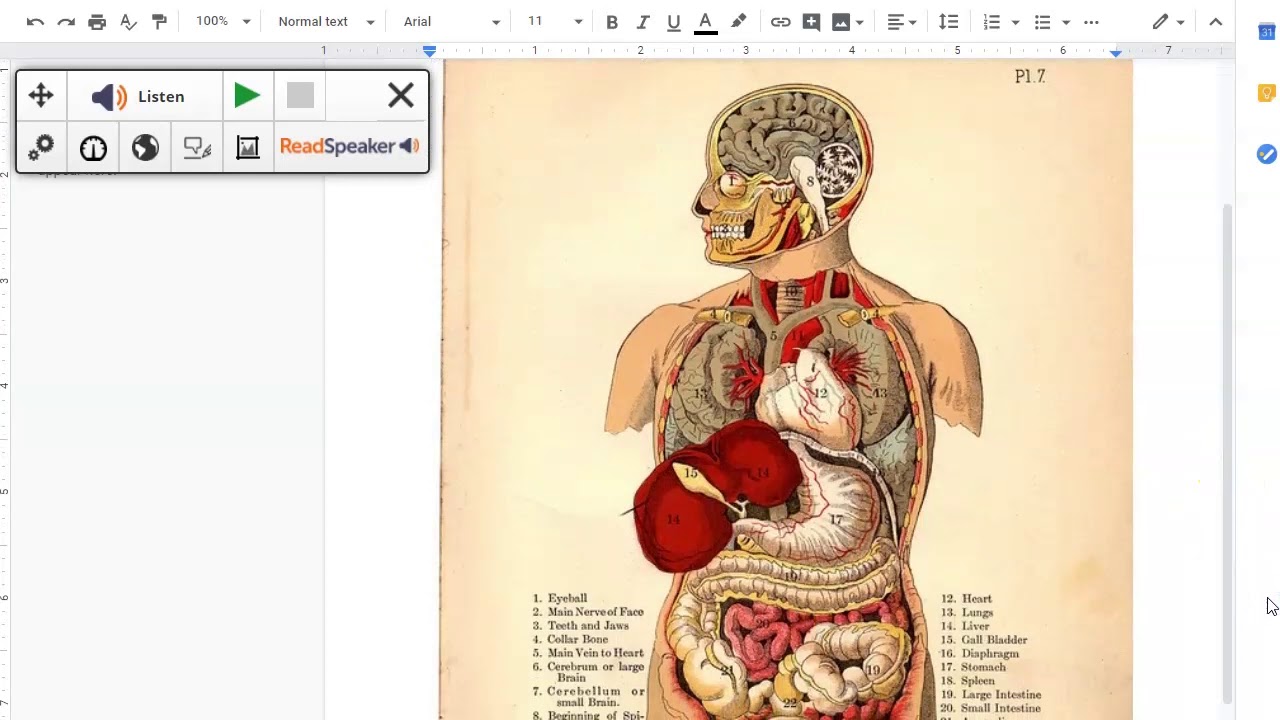 SnapshotRead text in images.
Ensuring that our courses are multimedia rich and suitable for all learners is something that is central to our mission. ReadSpeaker was a natural fit. It gives all of our students an audio option…Within seconds, we enabled it on a course level and within all lessons, so VHS students can have all course web pages and documents read to them with one click of a button. Since implementing the technology, we’ve been encouraged by how popular it’s been.
Storie WalshDirector of Instructional Technology, Virtual High School
VHS Learning
There are many grants awarded for assistive technology and accessibility support. Our text-to-speech technology often qualifies for grants such as Perkins, Migrant Education, and the Student Support and Academic Enrichment Program, just to name a few.
Learn more about GrantsNo downloads, and access to voice
- In The Classroom
- At Home
- On Any Device
ReadSpeaker works seamlessly in converting our text content into high quality audio. It fits nicely into the Universal Design for Learning principles and appeals to all students with various needs.
Link Systems
Link Systems International
Quickly and easily integrate read-aloud capability across all platforms and content
Speech enable all coursework on the LMS
LMS SolutionsProvide personal reading, writing, and studying tools to individuals
TextAid

We work with students who have varying levels of English proficiency. When we show teachers and their students the simple text-to-speech and translation functions within ReadSpeaker, we are greeted with smiles, deep appreciation and even applause. ReadSpeaker is essential to the work we do.
Danny RubinFounder of Rubin Education
Rubin Education
Let ReadSpeaker VoiceLab create a voice as unique as your learning environment
Looking for a specific dialect, voice style, or institutional branding? ReadSpeaker's digital voice design team can develop a unique voice for your needs.
Need more information?
ReadSpeaker has been bringing text to speech to education for over 20 years. Contact us to learn more about how audio can help your students and your organization succeed.
FAQs about Text to Speech for K12
Since those with reading disabilities can listen to the text while following along with the highlighted text, students can assimilate content without dealing with reading challenges. This helps students with reading comprehension and therefore, to stay at grade level in all subjects.
Text to speech technology, or read aloud technology, is a type of assistive technology. It uses speech software to read text out loud to learners. It is often accompanied by text highlighting and various other speech tools and education technology tools.
Assistive technology tools relieve individuals with dyslexia from constant decoding work, allowing them to concentrate on the subject matter and therefore staying at peer level in all subjects.
Quality speech synthesis is pleasant enough to use that it can be used for large quantities of text, to relieve schools and teachers from assisting learners and as a part of IEP plans and accommodations.
Providing accessibility software for individuals with learning challenges and those learning in a second language has many benefits, including improved reading comprehension, vocabulary, fluency and assessment results.
There are many different types of edtech tools, one of which is text to speech technology. Text to speech automatically reads content out loud and is an important feature of various different assistive technology tools, accompanying any number of learning tools.
Ideally those requiring assistive technology should make sure that the text to speech element uses high quality voices to ensure optimal use.
ADA, IDEA and JCQ are a set of legislations and organizations that promote equality for all students. They allow for certain arrangements and accommodations to allow those with to access free appropriate education and fair assessments.
An Individualized Educational Plan (IEP) is a plan developed to provide any child with a disability, who is attending an elementary or secondary school, with the appropriate specialized instruction and services. A 504 Plan is developed so these students receive accommodations to ensure academic success and access to the learning environment.