Text-to-Speech Learning Tools
Text-to-Speech Solution for Schoology LMS
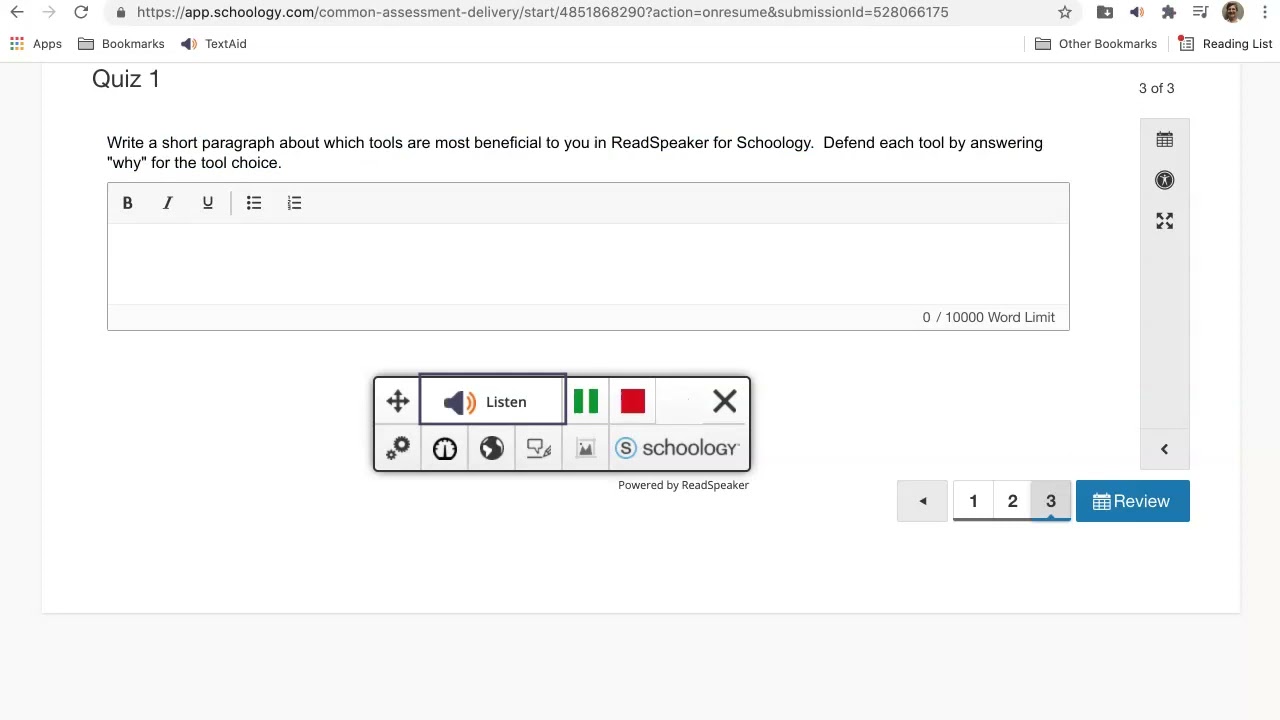
ReadSpeaker for Schoology allows educators to easily integrate audio into all learning content. The speech-enabled learning tools are easily accessed from directly within the Schoology environment.

Highlights
- Seamlessly integrated, and easy to use.
- Designed for teachers, assign different role types, share documents with users or groups, activate/deactivate features based on role types.
- Assessment and accommodations support directly within the Schoology environment.
- Premium quality voices ensure high usage.
- Fully Cloud-Based: No installation required to use ReadSpeaker in Schoology.
- LTI Integration for the Schoology learning environment.
- Works on all major operating systems, browsers Google Drive, OneDrive, and Bookshare.
- Step-by-step instructions and a readily-available support team.


Can be activated in Schoology on a school-by-school or course-by-course basis.
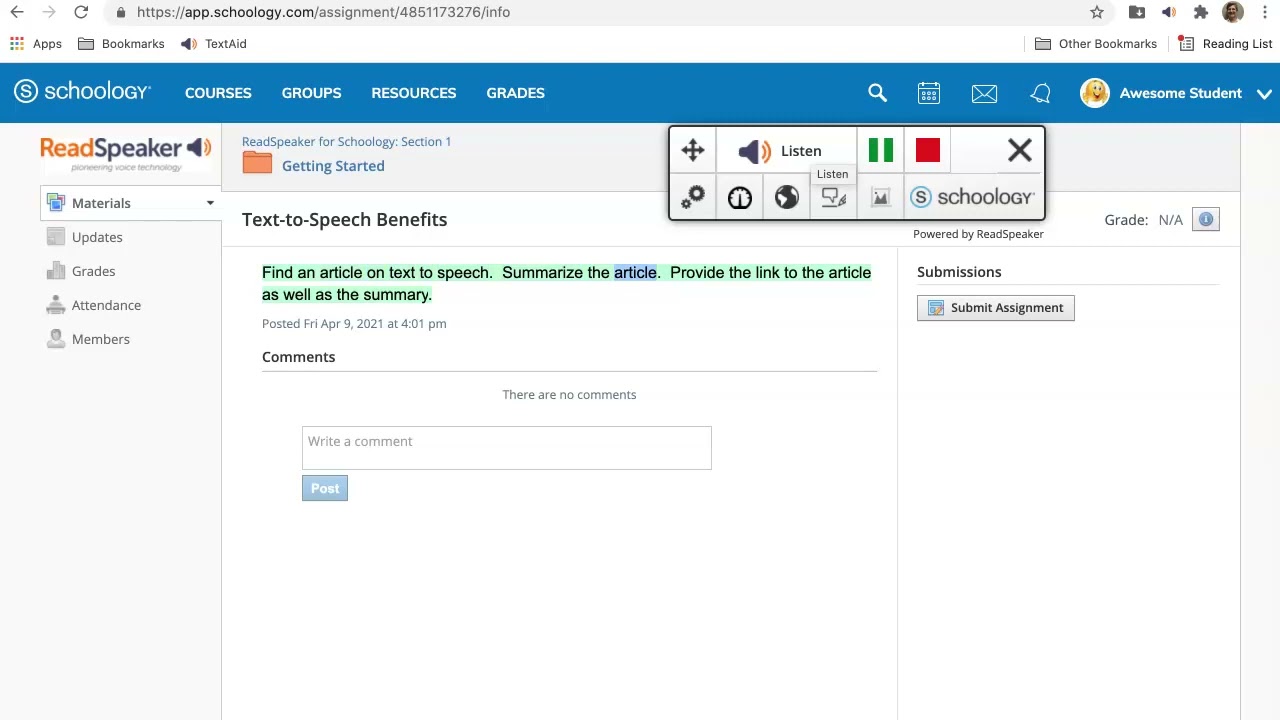
Just one click to listen and follow along with the highlighted text.
Customer-specific pronunciation dictionary.
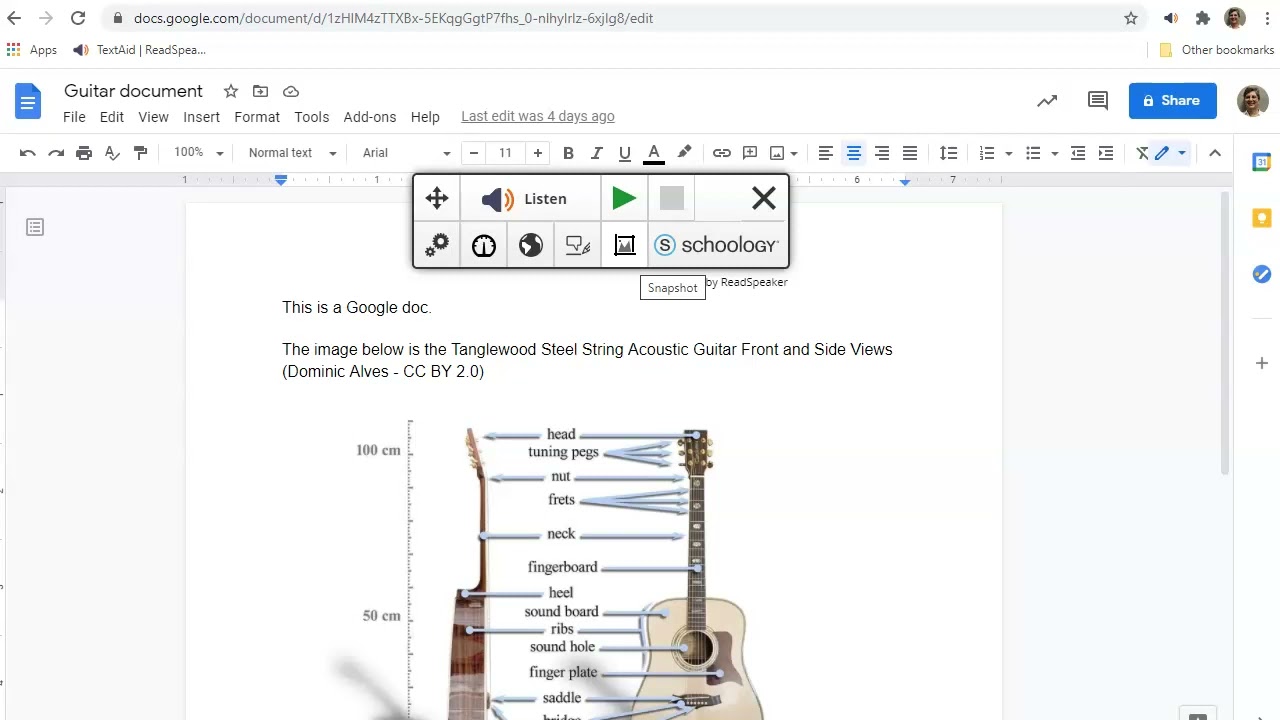
OCR to convert typed text on images to speech.
Convert text to audio in Google Docs, Microsoft Word online pages, and PDFs.
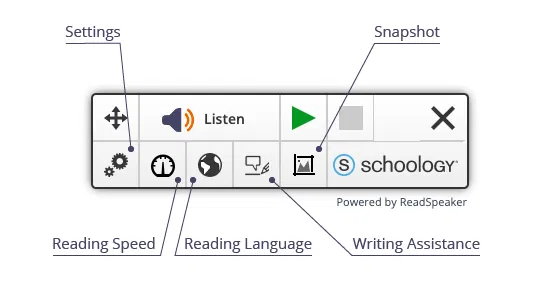
A complete set of text-to-speech learning tools for Schoology
See how students and teachers are using text to speech in the Schoology environment.