Text-to-Speech Learning Tools
Text-to-Speech Solution for itslearning LMS
Install the ReadSpeaker text-to-speech plugin and quickly and easily improve the accessibility of your itslearning LMS. Beneficial for primary students or high school students, schools or universities, all types of learners and institutions will benefit from the increased accessibility of the ItsLearning environment.
- Add UDL (Universal Design for Learning) elements to your courses
- Support a diverse student population
- Offer accessibility and inclusion
- Read aloud all content and use the suite of speech-enhanced learning tools

Highlights
- ReadSpeaker’s Text-to-Speech plugin solution is now available in the itslearning platform.
- Premium quality voices ensure high usage.
- Assessment and accommodations support directly within the itslearning environment.
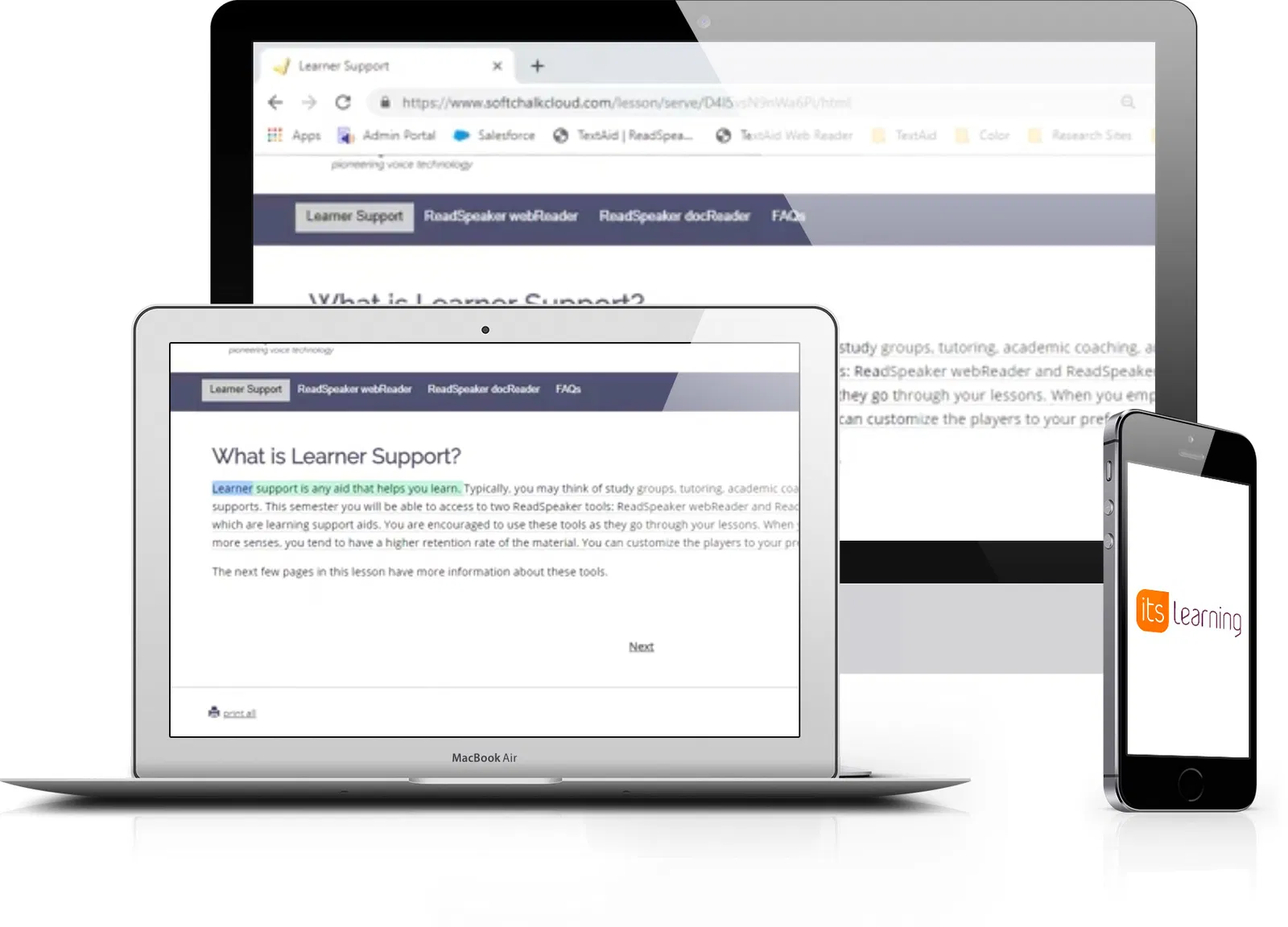


Text Mode shows the content in an easy-to-read format, using font, size, and colors of your choice.
Integrated reading and translation tools.
Audio File: Download an mp3 audio file of the content for offline listening.
Fully Cloud-Based: No installation required to use ReadSpeaker in itslearning.
LMS plugin for the itslearning learning environment.
Step-by-step instructions and a readily-available support team if you should need any help.
Customer-specific pronunciation dictionary.
Just one click to listen and follow along with the highlighted text.
Floating Listen button, player, and menu stay visible when scrolling down on a page and can be conveniently repositioned by user.
Click and Listen allows users to use the mouse to click on the text that should be read, or use the keyboard to navigate to and select the text section to read.
Quick and easy access to all features through expandable player and menu.
A complete set of text-to-speech learning tools for itslearning
See how children, students and teachers are using speech synthesis in the itslearning environment.
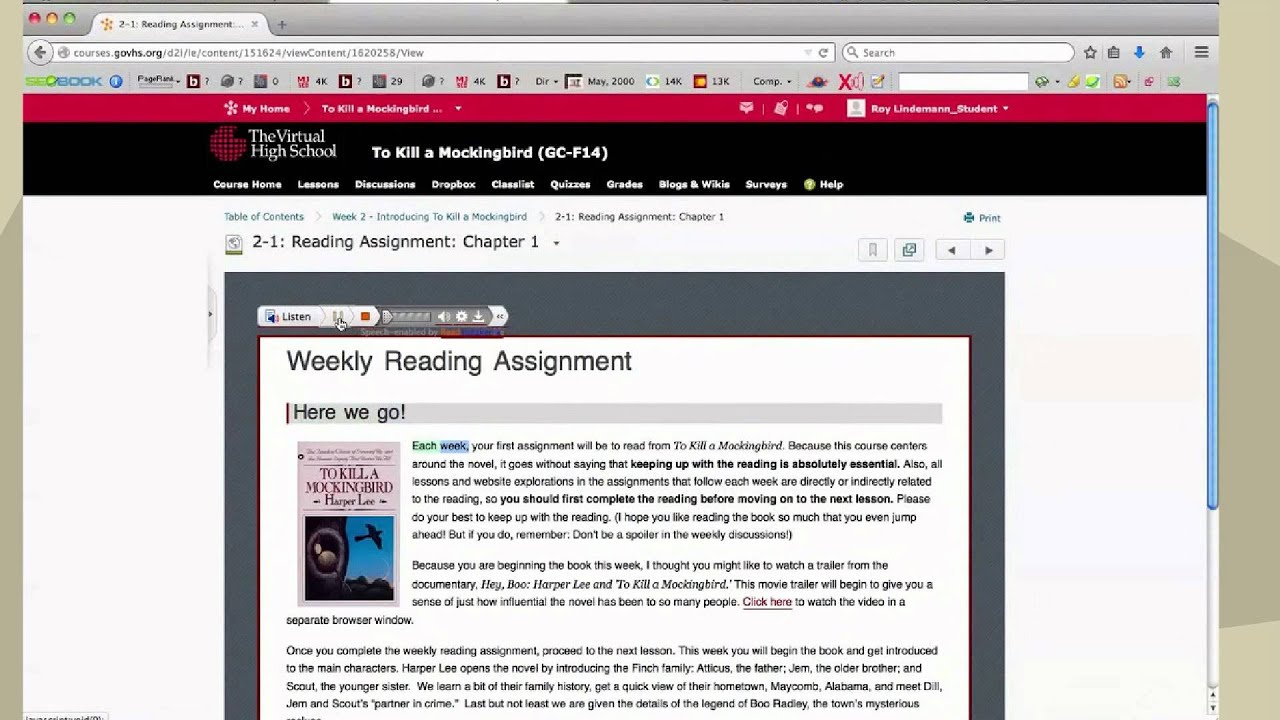
ReadSpeaker for itslearningWatch More
FAQ about itslearning TTS
Accessibility for itslearning means that learners of all types, even those with physical or cognitive disabilities, can access and use and benefit from all content in the itslearning environment.
ReadSpeaker for itslearning improves accessibility and engagement, which in turn improves learning outcomes, comprehension, motivation and self-esteem for all students. By integrating elements key to Universal Design for Learning, text to speech makes content more accessible to learners of all types.
ReadSpeaker technology can be implemented quickly and easily into the itslearning environment, speech enabling all content and providing read aloud capabilities and a collection of text to speech enhanced learning tools.
Yes. ReadSpeaker for itslearning is WCAG 2.2 compliant, helping learning institutions respect current legislation that supports students of all types.