Text-to-Speech Learning Tools
Text-to-Speech Solution for Open edX LMS
ReadSpeaker is part of the Open edX platform marketplace, providing a fully integrated Text to Speech solution for courses offered on the Open edX platform.
- Support students with learning disabilities
- Create engaging learning content
- Available on any device, desktop and mobile

Highlights
- High-quality, natural-sounding voices.
- Assessment, accessibility and accommodations support directly within the Open edX platform environment.
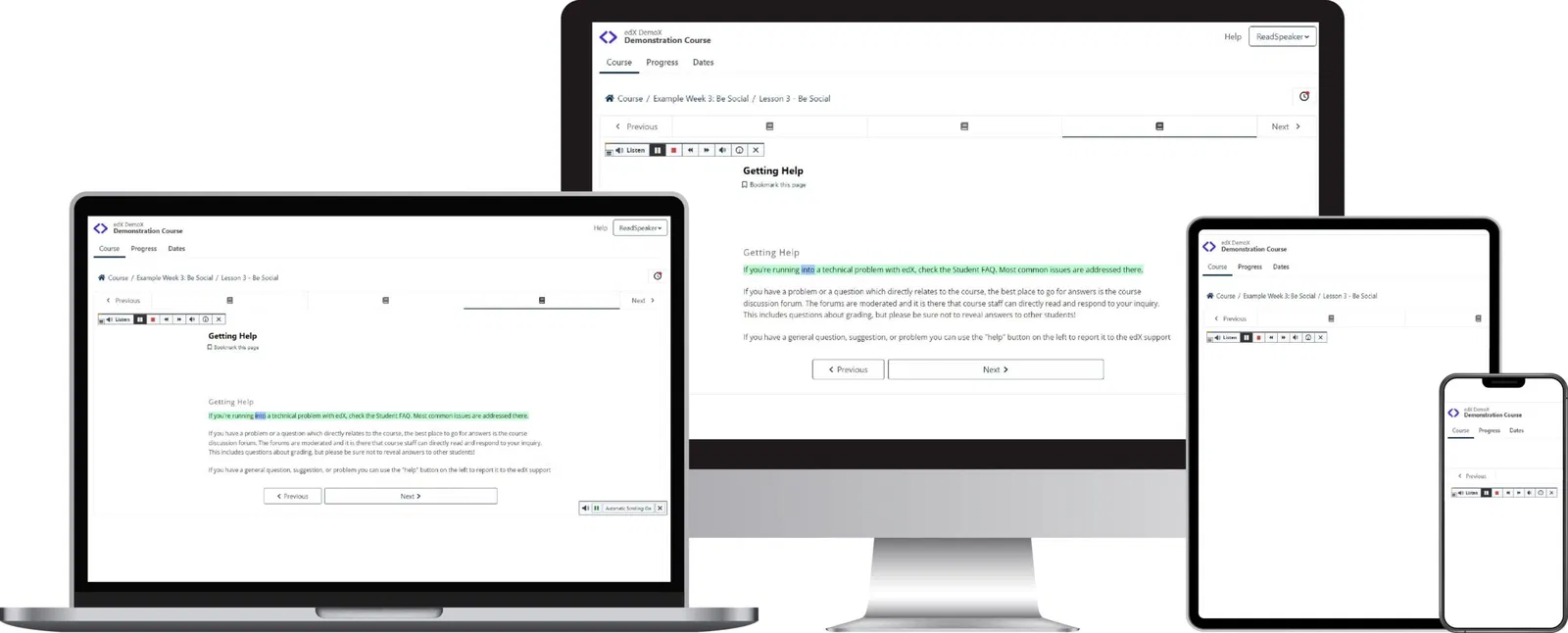


Text Mode shows the content in an easy-to-read format, using font, size, and colors of your choice.
Integrated reading and translation tools.
Audio File: Download an mp3 audio file of the content for offline listening.
Fully Cloud-Based: No installation required to use ReadSpeaker in Open edX platform.
Step-by-step instructions and a readily-available support team should you need any help.
Customer-specific pronunciation dictionary.
Just one click to listen and follow along with the highlighted text.
Floating Listen button, player, and menu stay visible when scrolling down on a page and can be conveniently repositioned by user.
Click and Listen allows users to use the mouse to click on the text that should be read, or use the keyboard to navigate to and select the text section to read.
Quick and easy access to all features through expandable player and menu.

Provide learners with an equitable and complete learning experience
Integrating ReadSpeaker with our courses has allowed us to provide learners with an equitable and complete learning experience. Whether a learner wishes to listen to their content, have a word translated for them, or simply read along with the TTS, it has been tremendous.
Evan TrivitsLearning Tools and Technology Lead

Esme Learning
A complete set of text-to-speech learning tools for Open edX platform
See how students and teachers are using text to speech in the Open edX platform environment.
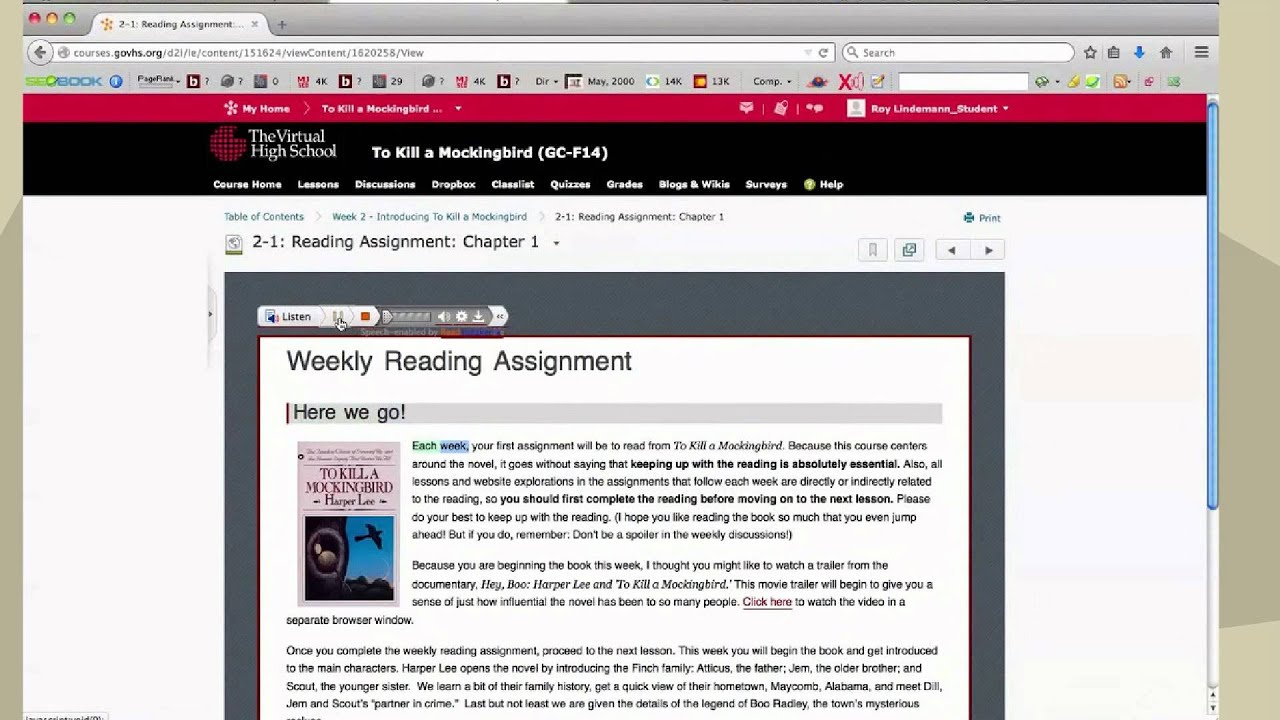
ReadSpeaker for Open edXWatch More
FAQ about Open edX TTS
In today’s learning landscape, providing equal access to learning content within the Open edX platform environment is essential for educational institutions to succeed in providing inclusive education for all students. ReadSpeaker text to speech is a key element in every institution’s accessibility strategy.
ReadSpeaker text to speech is easy to implement within the Open edX platform platform with a pre-built integration, simply contact the ReadSpeaker team for detailed instructions.
ReadSpeaker’s text to speech tools can be used to speech-enable assignments, quizzes and other assessments directly within the Open edX platform. This supports administrators and teachers as they provide ADA accommodations.