Education
Integrity Meets Inclusion: Building Reliable Online Assessments in the Age of AI
Discover how ReadSpeaker and SMOWL combine academic integrity and accessibility to support reliable, inclusive online assessments within the Moodle ecosystem.
June 28, 2022
Woots and ReadSpeaker are there for the student and for the teacher. A level playing field for everyone with talent, in whatever area.
Tests and exams are an essential part of every course of study. And as education becomes ever more digital, more and more schools are taking advantage of digital testing in an online assessment environment. But how, as a school, do you offer an inclusive experience there, complete with good support for students with dyslexia or another disability that gets in the way of understanding the test questions they read?
Woots, the assessment platform for secondary education and secondary vocational education, faced the same question. And that question gave rise to a fine collaboration between Woots and ReadSpeaker, resulting in a barrier-free integration of the ReadSpeaker read-aloud tool for rock-solid support of students who could use some help with reading.
Woots recently published an informative, in-depth article about the integration, a copy of which you can read below. Does your educational institution also use Woots, and would you like to test the ReadSpeaker integration free of charge and without obligation? Then contact us at nederland@readspeaker.com!
The ReadSpeaker integration in Woots is there for, among others, students with dyslexia. These students find it hard to understand a text (quickly). To understand how a dyslexic brain works, we asked dyslexia specialist Terry van de Beek of Dyslexie-Express about it. She has worked with dyslexic students for as long as anyone can remember and is a master at making complex material easy for the student, for parents and for teachers.
The dyslexic brain has many advantages. Advantages that you as a teacher, and certainly the dyslexic student too, often do not think about. We tend to see dyslexia only as a limitation. Of course, most students are hindered by dyslexia. It is no coincidence that they get stuck when it comes to understanding texts and learning facts that have no connection with each other.
For now, we will focus mainly on the problems a dyslexic student may experience and on how the ReadSpeaker read-aloud tool is the solution to them.
Would you like to know more about the advantages of the dyslexic brain and the opportunities it offers? Then click here.
Terry explains: “Every brain has a memory. Within it we distinguish short-term and long-term memory. Long-term memory is infinitely large. According to some researchers, we use only a very small part of it. Short-term memory is short and small. It is meant for processing information quickly, such as quickly working out a sum or decoding (breaking up and putting together) a text. If you ask a student an hour later which sum had to be worked out, the student has usually already lost that information. After all, it was the answer that mattered.”
She continues: “Information moves from short-term memory into long-term memory through repetition. Students with dyslexia need 2.6 to 6 times more repetition to store language-based information in long-term memory. As teachers, we usually do not give them that time. Because they still have to decode, and because of the lack of repetition, short-term memory becomes overloaded. As a result, it throws the excess information overboard or takes in nothing at all. The consequence: nothing is stored in long-term memory.
Students with dyslexia are therefore short of time. Time they badly need during tests. Having software read aloud means short-term memory is less overloaded and understanding comes more quickly. Understanding is linking the information in your short-term memory (new knowledge or knowledge just decoded) to the information in your long-term memory (in other words, to the knowledge you already have of the world). Through this link, you as a reader arrive at understanding. You grasp what the text is about because, for example, you have read or heard something about it before.”
“When a student with dyslexia reads a text, he, she or they are usually busy only with sounding out the words on the page. The consequence: short-term memory is already full before this student even gets the chance to link the information read to his, her or their knowledge of the world. As a result, the student does not arrive at understanding. He, she or they do read the text, but do not understand what it is about.”
And that is where ReadSpeaker comes in. The ReadSpeaker read-aloud tool means the student with dyslexia no longer has to be busy sounding out the words, but can start right away on understanding the text. This student’s starting level is therefore now the same as that of a student without dyslexia.
Every reason, then, to choose ReadSpeaker: every student can make the best possible use of his, her or their knowledge while reading a text. Dyslexic or not, all students have an equal chance to show what they are capable of.
Compensation and dispensation
By offering ReadSpeaker tools as a school, you meet the dyslexic student halfway with a compensating aid. A school must offer compensation and dispensation for students with dyslexia. Schools are not always obliged to grant exemptions (dispensation), but they are obliged to offer basic support so that dyslexic students can follow their education. This means that schools must adequately compensate students for the effects of dyslexia, for example by allowing the use of aids such as the ReadSpeaker read-aloud tool. From this point of view, integrated read-aloud software such as ReadSpeaker’s in Woots is not only the simplest and most affordable option, but also the most obvious one.
Would you like to know more about compensation or dispensation for your dyslexic students? Check out this clearly organized site.
Is your school choosing read-aloud software as a compensating aid? Then choose ReadSpeaker. Give your students a better feeling. Give them the certainty that they have such a pleasant and reliable tool at hand, for example for taking tests. Give them the freedom of no longer having to worry about dictionaries or waste precious time sounding out words. Equal opportunities: that is what you want to give them.
Effectiveness of read-aloud software
In a literature review by Dyslexie Centraal on the effectiveness of technical aids for dyslexia, you can read that one of the conclusions is that read-aloud software helps a student get through the material faster without getting stuck on long or difficult words. Besides this conclusion, you will fortunately find more well-founded information on why read-aloud software such as ReadSpeaker’s is the solution for your dyslexic students.
For the curious
Then there is another concept: bimodal learning. Combining reading and listening. A hype, or proven to be effective? We are convinced that bimodal learning, in other words using a read-aloud button while also reading along with the text, leads to better results and deeper learning. Would you like to be convinced too? Then check out this article.
For the attentive reader: yes, the article is in English. No problem: just switch on the ReadSpeaker read-aloud tool and translate away. Another handy feature. ReadSpeaker is there for everyone, all over the world.
As a teacher, you are free to choose which form of support you use for your dyslexic student. Agree in advance with each student on what he, she or they like best and activate the desired functions in the read-aloud tool. The functions can be set freely according to personal preference, and the tool works well with Woots.
The student can also choose the special Open Dyslectic font, developed specifically for dyslexic readers. You can have the text shown in a separate window. Besides the font, you can also set the font size, line spacing, the colors of the text and the background, and much more. Whatever you find easiest to read. There you can also have the text read aloud while you read along. You set the reading speed yourself. Ideal! You can see how to set up the read-aloud button and what you can do with it in this short video.
ReadSpeaker in Woots
Woots also lets you switch on dyslexia mode. How? The license you bought from ReadSpeaker is set up by the administrator as follows: enter the ReadSpeaker license
After that, you can set, per test, what is and is not possible for your students:
 (enlarge image)
 As you can see, ReadSpeaker and Woots offer you all kinds of handy options to meet the needs of your students with dyslexia and to support them in their learning and reading process. For students with ASD, visual impairments, attention disorders or a native language other than Dutch, using the ReadSpeaker read-aloud tool is also a fantastic way to read and understand texts. It is easy to access, takes little effort and gives students the power boost they need during tests. That way they learn from tests, not for tests.
“It saves me so much time when I switch on the listen button. If I do not use the read-aloud tool, I definitely need my extra half hour. Not anymore. Sometimes I even finish my test sooner!”
“Because I cannot see very well (I have an eye condition), I need a read-aloud tool like ReadSpeaker’s. This button means I am less dependent on others, such as my teachers. And another advantage: I can repeat it as often as I like. Unfortunately, I cannot put my German teacher on repeat.”
“Those long texts give me a stomach ache straight away. I get distracted easily and I am mostly busy with what is happening around me. Reading by myself takes far too long and costs me a lot of effort, so sometimes I do not understand what it says. That listen button is really super handy. I can just listen while I stare outside. And meanwhile I still understand what is being said.”
Woots is an assessment platform and a test library in one. No more full bags or filing cabinets: everything is simply laid out in ‘the cloud’. Woots’ mission is for students to learn from tests, not for tests. You learn without studying. Tests without grades. Tests to see where you stand. Woots and ReadSpeaker are there for the student and for the teacher. A level playing field for everyone with talent, in whatever area.
Education
Discover how ReadSpeaker and SMOWL combine academic integrity and accessibility to support reliable, inclusive online assessments within the Moodle ecosystem.
Education
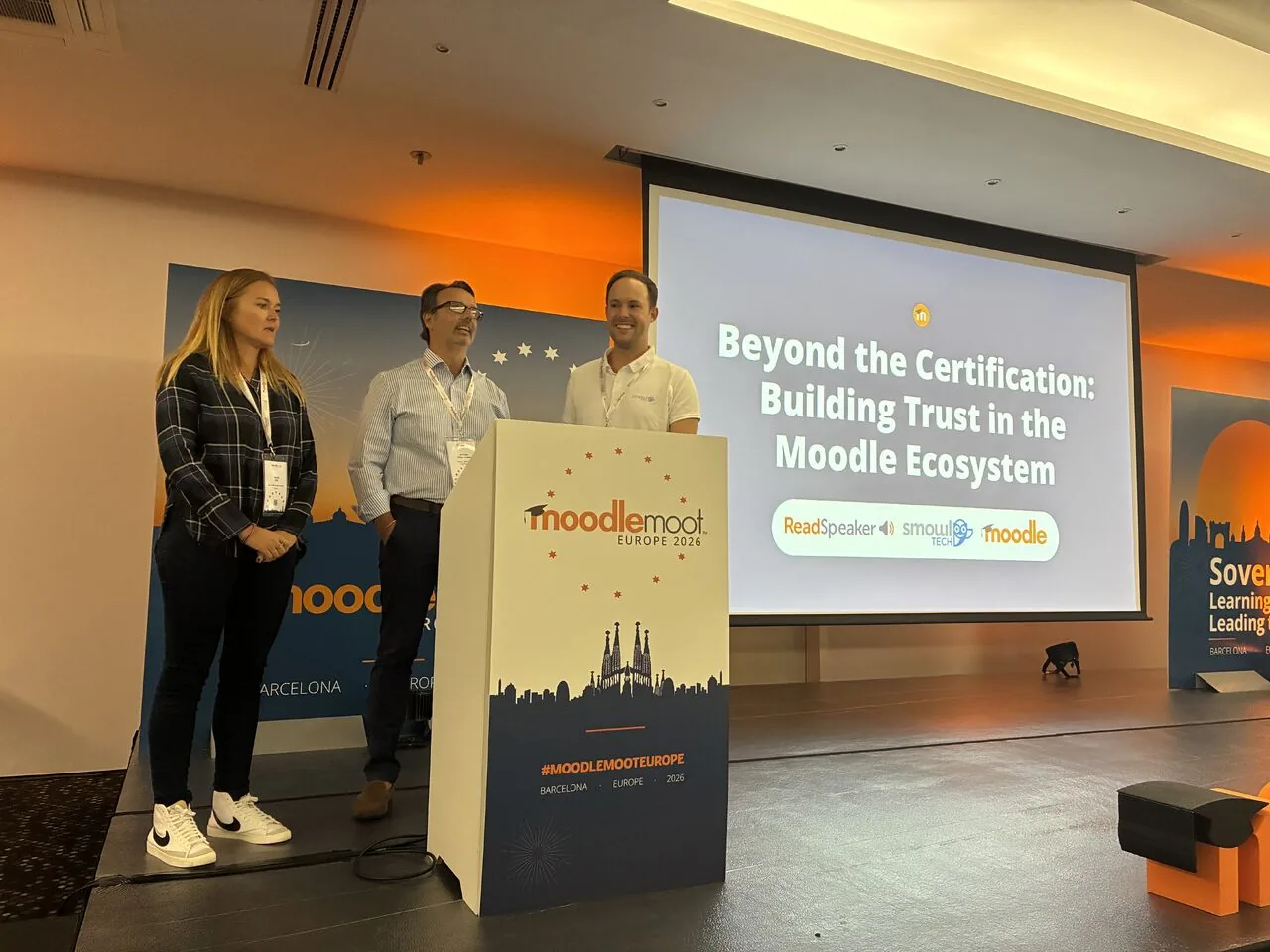
How Moodle Marketplace and Certified Integrations make it easier for institutions to find trusted solutions and build more inclusive learning experiences.
Education
See how ILIAS and ReadSpeaker's text-to-speech technology work together to create more flexible learning experiences, with insights from the University of Stuttgart.