Education
Integrity Meets Inclusion: Building Reliable Online Assessments in the Age of AI
Discover how ReadSpeaker and SMOWL combine academic integrity and accessibility to support reliable, inclusive online assessments within the Moodle ecosystem.
July 23, 2026
A buyer’s guide to choosing AI text to speech for your LMS: what to evaluate, how ReadSpeaker integrates with Canvas, Moodle, and Brightspace, and why native integration drives accessibility and learner adoption.
If your institution has already invested in a Learning Management System (LMS), the next step is selecting a text to speech solution that helps you meet accessibility requirements, enhances inclusion and learner experience, and integrates seamlessly with the learning environment you already have in place.
The right solution should do more than convert text into audio. It should fit your existing technology stack, support accessibility goals, be easy for administrators to deploy, and, most importantly, become a tool that learners actually use.
For institutions evaluating text to speech for Canvas, Moodle, Brightspace, or another LMS, the decision should balance technical integration, learner experience, accessibility, security, and long-term scalability.
Here’s what to look for.
Choosing a text-to-speech solution isn’t about evaluating a single feature (or even a list of them). It’s about understanding how well the technology supports both your institution and your learners over time, while keeping an eye on how it would integrate into your existing ecosystem of platforms and tools.
A good evaluation framework should include:
These factors work together. Even the most advanced text-to-speech technology delivers limited value if learners struggle to find it or if administrators face unnecessary complexity during deployment.
Ultimately, success should be measured not only by implementation, but by learner engagement, confidence, and the overall learning experience.
For most institutions, the easiest accessibility solution to maintain is the one that fits naturally into the technology ecosystem they already manage.
Native LTI integration allows text to speech to become part of the LMS experience instead of introducing another application that learners must install, configure, or remember to use.
This benefits both learners and administrators.
For learners, the experience remains consistent across courses because the listening tools appear exactly where learning happens.
For LMS administrators and EdTech teams, native integration reduces deployment effort, simplifies ongoing maintenance, and minimizes support requests compared with separate browser extensions or standalone applications.
A well-integrated solution should feel like a natural extension of the learning environment rather than another piece of software layered on top of it.
 (enlarge image)
Technical integration is only one part of the picture.
The most successful accessibility strategies are built around Accessibility by Design, making support available from the start rather than only after a learner requests an accommodation.
One of the biggest invisible barriers in education is that many learners never ask for the support they could benefit from. Some may not have a formal diagnosis. Others simply prefer not to identify themselves or navigate additional administrative processes.
Making text to speech available to everyone removes that barrier.
This approach closely aligns with the principles of Universal Design for Learning (UDL), which encourage providing multiple ways for learners to engage with content from the beginning instead of creating separate learning experiences for different groups or individual accommodations.
Rather than being viewed as an accommodation, text to speech becomes another way for learners to interact with course materials, improving learner autonomy, confidence, and flexibility for a broad range of learning preferences.
For institutions using Canvas, the primary consideration is whether text to speech can be deployed consistently across the entire learning environment without requiring instructors to modify individual courses.
ReadSpeaker integrates with Canvas using Global JavaScript, allowing institutions to make text to speech available across course pages while automatically supporting new and updated content.
ReadSpeaker webReader provides in-page reading with synchronized highlighting, while ReadSpeaker docReader enables learners to listen to documents such as PDFs directly in the browser.
This allows instructors to continue publishing content as they normally would while giving learners immediate access to reading support.
Moodle offers a flexible platform, making reliable integration especially important.
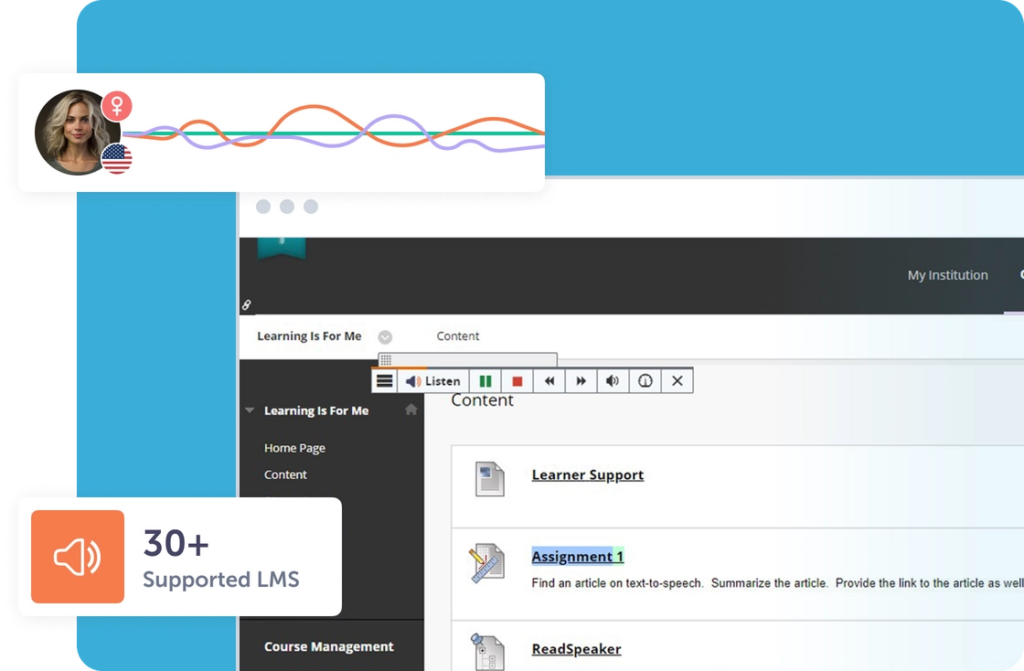
As a Moodle Certified Integration Plus, ReadSpeaker provides a dedicated plugin that brings text to speech directly into the Moodle learning environment.
Learners can listen to course materials without leaving the platform while adjusting reading speed, highlighting, colors, and display preferences to match their individual needs.
For administrators, certification also provides confidence that the integration is officially supported and maintained over time.
 (enlarge image)
For institutions using Brightspace (D2L), integration should provide the same seamless experience across course content without adding unnecessary complexity.
ReadSpeaker integrates directly with Brightspace to provide speech-enabled course materials and documents through webReader and docReader.
The impact extends beyond accessibility compliance.
For example, Penn Foster reported a 54% improvement in 30-day course completion rates after implementing ReadSpeaker alongside Brightspace, while also reducing average exam completion time by 30%, demonstrating how accessible learning tools can contribute to learner success as well as accessibility goals.
Canvas, Moodle, and Brightspace are among the most widely used learning management systems, but they are far from the only platforms used in education.
Many institutions also rely on Blackboard, Schoology, Open LMS, Open edX, itslearning, ILIAS, CourseArc, SoftChalk, Learnosity, and other learning or assessment platforms.
When evaluating a text-to-speech solution, it’s worth considering your entire digital learning environment rather than focusing on a single LMS.
Learning today happens across multiple systems, including:
A solution that integrates consistently across this wider ecosystem creates a more seamless learner experience while reducing administrative overhead for IT and instructional technology teams.
Text to speech helps institutions move beyond compliance checklists toward more inclusive learning experiences.
By making course materials easier to access, institutions can support WCAG recommendations while aligning with Universal Design for Learning principles that encourage flexible ways of engaging with educational content.
Because accessibility is built into the learning environment itself, institutions can reduce the need for individual accommodations while creating a better experience for a much wider population of learners.
Research also suggests that institution-wide implementations can reduce accessibility support workloads while improving learner engagement and independence.
 (enlarge image)
For most institutions, learning extends far beyond standard LMS pages.
Course content often includes SCORM packages, digital documents, publisher resources, and secure online assessments. A text-to-speech solution should support these different learning environments without requiring learners to switch between multiple accessibility tools.
When evaluating a solution, consider whether it can:
ReadSpeaker integrates with the most widely used Learning Management Systems, as well as assessment platforms and other educational technologies, helping institutions deliver a consistent accessibility experience across their digital learning ecosystem. Whether learners are accessing course materials, completing assessments, or working with externally authored content, the goal is to provide the same familiar experience across every learning touchpoint.
These capabilities help institutions deliver a more consistent accessibility experience while reducing administrative complexity for IT and instructional technology teams. Rather than managing separate solutions for different learning scenarios, administrators can provide learners with a familiar experience wherever learning takes place.
The best text-to-speech solution for your LMS depends on more than voice quality or individual features.
Institutions should evaluate how well a solution integrates with their existing LMS, supports their wider digital learning ecosystem, simplifies administration, protects learner data, and helps learners engage confidently with course content.
When these elements come together, accessibility becomes part of everyday learning rather than a separate process.
For technical decision-makers, that means faster deployment, easier management, and better compatibility with existing platforms.
For institutional leaders, it means investing in technology that supports learner success, strengthens accessibility initiatives, and helps create a more inclusive learning experience for everyone.
Ultimately, the goal isn’t simply to add text to speech to an LMS. It’s to make accessible learning a natural part of the educational experience, wherever learning takes place.
How long does it take to implement text to speech in an LMS?
Most implementations complete within 2 to 4 hours. The LMS administrator typically handles setup with support from the ReadSpeaker team, and training is provided at no additional cost.
Does ReadSpeaker support assessments and exams?
Yes. ReadSpeaker supports a range of assessment environments, including secure testing scenarios. For institutions that use lockdown browsers or offline exam environments, this helps ensure learners can access reading support without disrupting existing exam workflows.
Do students need to download software to use LMS text to speech?
No. For the core web-based experience, students simply click a “Listen” button inside the LMS. The tool works across all major browsers and devices without downloads.
Does LMS text to speech read math equations?
Yes. ReadSpeaker includes a math dictionary supporting MathML, LaTeX, and MathJax, so technical and STEM content is read aloud accurately alongside standard text.
Does ReadSpeaker support SCORM packages?
Yes. ReadSpeaker supports SCORM packages alongside webpages, PDFs, EPUB files, and other common learning content formats. This ensures learners can access text to speech consistently, even when course materials are created in external authoring tools rather than directly within the LMS.
Is ReadSpeaker EAA/WCAG/FERPA compliant?
Yes. ReadSpeaker is compliant with all major accessibility and data protection legislation. It stores no personally identifying information, meeting educational data privacy requirements.
Can text to speech be rolled out to only some students?
Yes. While all learners can benefit from access, ReadSpeaker TextAid can be implemented on a student-by-student basis when needed.
Education
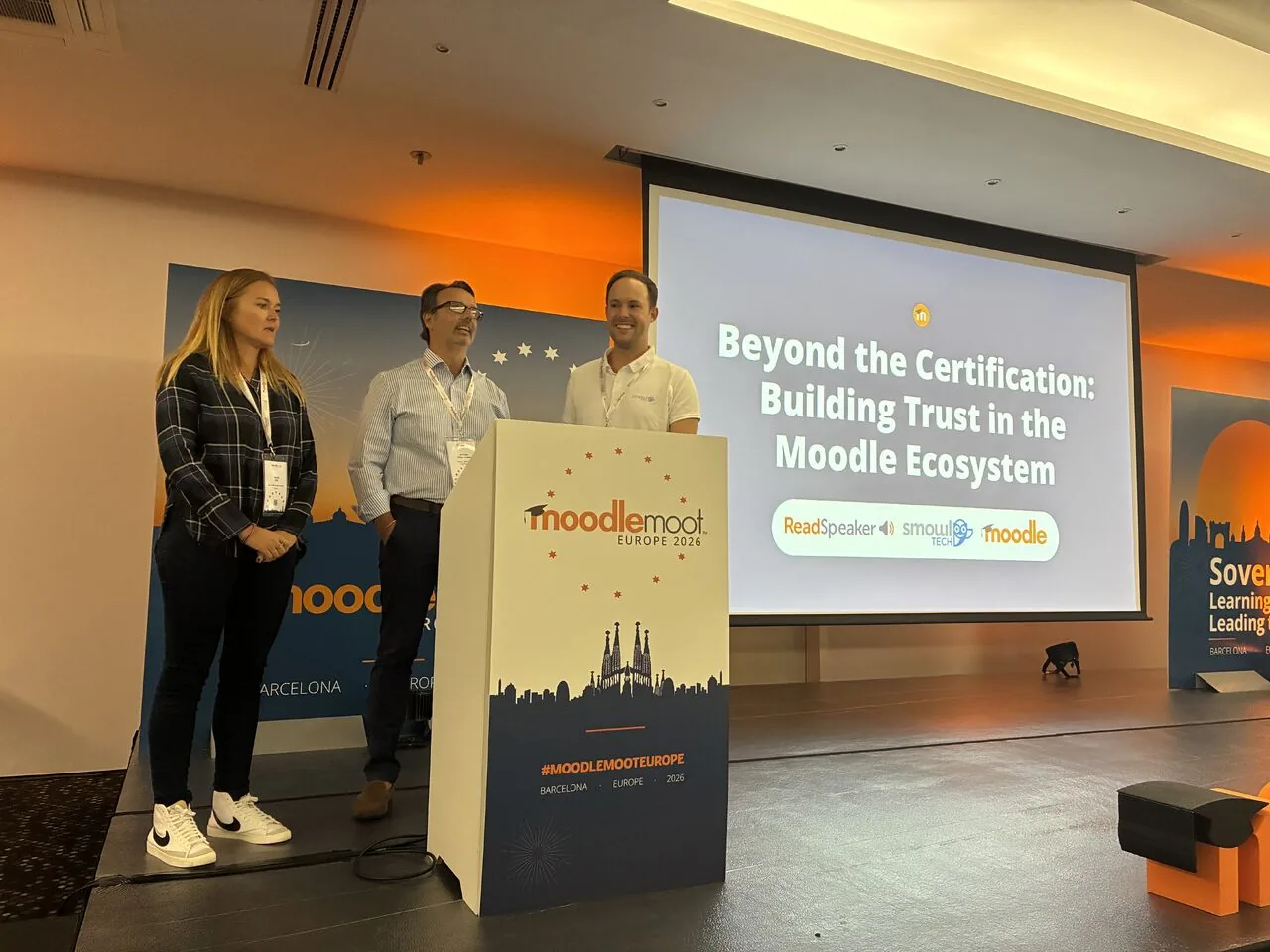
Discover how ReadSpeaker and SMOWL combine academic integrity and accessibility to support reliable, inclusive online assessments within the Moodle ecosystem.
Education
How Moodle Marketplace and Certified Integrations make it easier for institutions to find trusted solutions and build more inclusive learning experiences.
Education
See how ILIAS and ReadSpeaker's text-to-speech technology work together to create more flexible learning experiences, with insights from the University of Stuttgart.